

Introduction
Your phone wallpaper should match your screen resolution in pixels, or be a little larger at the same shape. For most new phones, that means a tall portrait image of about 1,080 to 1,440 pixels wide and 2,340 to 3,168 pixels tall, depending on your model.
A wallpaper is measured in pixels, not in inches. Pixels are the tiny dots of light that make up your screen, while inches measure the physical size of the phone. A 6.9-inch screen measures 17.53 cm corner to corner, but that says nothing about how many pixels it holds. Two phones can share a 6.9-inch screen and still need different wallpaper sizes.
The shape matters just as much as the pixel count. Almost every modern phone screen is a tall rectangle, close to 19.5:9 or 20:9 — like a tall framed photo standing upright. If you use a wide, short image, the phone must crop the sides or stretch the picture, and details near the edges get cut off or look wrong.
The model list in this guide was checked on 18 November 2026 and covers current and recent iPhone, Samsung Galaxy, Google Pixel, OnePlus and Motorola models.
Phone Wallpaper Sizes at a Glance
All sizes below are in pixels, written as width × height, with the phone held upright. The recommended wallpaper size matches the screen resolution exactly. A larger image at the same shape also works, because the phone scales it down cleanly.
| Phone / model group | Screen resolution (pixels) | Aspect ratio | Recommended wallpaper (pixels) |
|---|---|---|---|
| iPhone 18 Pro Max, 17 Pro Max, 16 Pro Max | 1320 × 2868 | About 19.5:9 | 1320 × 2868 |
| iPhone 18 Pro, 17 Pro, 17, 16 Pro | 1206 × 2622 | About 19.5:9 | 1206 × 2622 |
| iPhone Air | 1260 × 2736 | About 19.5:9 | 1260 × 2736 |
| iPhone 16 Plus, 15 Pro Max, 15 Plus, 14 Pro Max | 1290 × 2796 | About 19.5:9 | 1290 × 2796 |
| iPhone 16, 15 Pro, 15, 14 Pro | 1179 × 2556 | About 19.5:9 | 1179 × 2556 |
| iPhone 17e, 16e, 14, 13, 13 Pro | 1170 × 2532 | About 19.5:9 | 1170 × 2532 |
| iPhone 14 Plus, 13 Pro Max | 1284 × 2778 | About 19.5:9 | 1284 × 2778 |
| iPhone 13 mini | 1080 × 2340 | 19.5:9 | 1080 × 2340 |
| iPhone SE (3rd generation, 2022) | 750 × 1334 | 16:9 | 750 × 1334 |
| Galaxy S25 Ultra, S25+, S24 Ultra, S24+ | 1440 × 3120 | 19.5:9 | 1440 × 3120 |
| Galaxy S23 Ultra | 1440 × 3088 | 19.3:9 | 1440 × 3088 |
| Galaxy S25, S24, S23, S23+, A56, A55, A35 | 1080 × 2340 | 19.5:9 | 1080 × 2340 |
| Pixel 10 Pro XL, 9 Pro XL, 8 Pro | 1344 × 2992 | About 20:9 | 1344 × 2992 |
| Pixel 10 Pro, 9 Pro | 1280 × 2856 | About 20:9 | 1280 × 2856 |
| Pixel 10, 9, 9a | 1080 × 2424 | About 20:9 | 1080 × 2424 |
| Pixel 8, 8a | 1080 × 2400 | 20:9 | 1080 × 2400 |
| OnePlus 13, OnePlus 12 | 1440 × 3168 | About 20:9 | 1440 × 3168 |
| Motorola Edge 50 Pro | 1220 × 2712 | About 20:9 | 1220 × 2712 |
| Motorola Edge (2024) | 1080 × 2400 | 20:9 | 1080 × 2400 |
Quick tip: If your exact model is not listed, use the resolution of a phone with the same screen size and brand from the same year as a starting point, then check your own phone’s settings or spec sheet to confirm. A wallpaper that is larger than your screen at the same shape is always safer than one that is smaller.
iPhone Wallpaper Dimensions by Model
Apple lists each iPhone resolution on its tech specs pages, and many models share the same pixel grid. All sizes below are portrait, width × height, at about 19.5:9, except the iPhone SE.
iPhone 18 Pro Max, 17 Pro Max and 16 Pro Max
These three models share a 6.9-inch screen at 1320 × 2868 pixels. Use a wallpaper of 1320 × 2868 pixels — the largest iPhone size in this guide.
iPhone 18 Pro, 17 Pro, 17 and 16 Pro

These four models share a 6.3-inch screen at 1206 × 2622 pixels. Use a wallpaper of 1206 × 2622 pixels. The standard iPhone 17 uses the same resolution as the Pro models.
iPhone Air
The iPhone Air has a 6.5-inch screen at 1260 × 2736 pixels. Use a wallpaper of 1260 × 2736 pixels.
iPhone 16 Plus, 15 Pro Max, 15 Plus and 14 Pro Max

These four models share a 6.7-inch screen at 1290 × 2796 pixels. Use a wallpaper of 1290 × 2796 pixels.
iPhone 16, 15 Pro, 15 and 14 Pro

These four models share a 6.1-inch screen at 1179 × 2556 pixels. Use a wallpaper of 1179 × 2556 pixels.
iPhone 17e, 16e, 14, 13 and 13 Pro
These five models share a 6.1-inch screen at 1170 × 2532 pixels. Use a wallpaper of 1170 × 2532 pixels — only 9 pixels narrower and 24 pixels shorter than the group above, but the exact size stays sharpest.
iPhone 14 Plus and 13 Pro Max

These two models share a 6.7-inch screen at 1284 × 2778 pixels. Use a wallpaper of 1284 × 2778 pixels. Do not confuse this group with the 1290 × 2796 group above.
iPhone 13 mini and iPhone SE
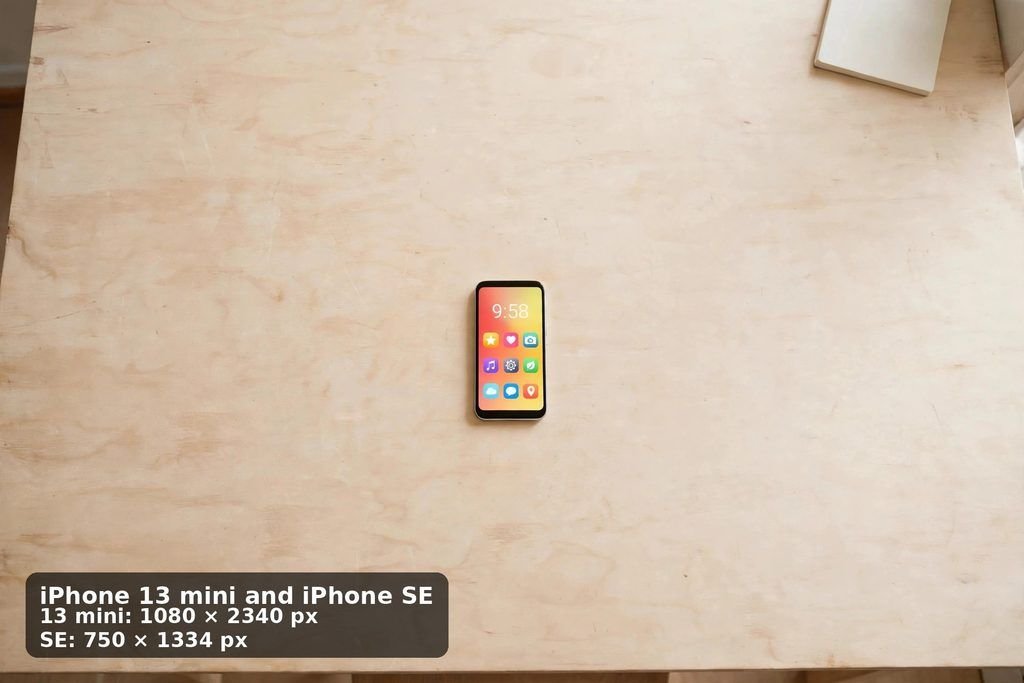
The iPhone 13 mini has a 5.4-inch screen at 1080 × 2340 pixels, a true 19.5:9 shape. Use a wallpaper of 1080 × 2340 pixels. The iPhone SE (3rd generation, 2022) is the exception: its 4.7-inch screen is 750 × 1334 pixels, a wider 16:9 shape, so use a wallpaper of 750 × 1334 pixels for it.
As of 18 November 2026, Apple has not announced a standard iPhone 18 model, so none is listed here.
Samsung Galaxy Wallpaper Dimensions by Model

Samsung’s Galaxy S phones split into two wallpaper sizes: the Ultra and newer Plus models use a sharper 1440-pixel-wide screen, while standard models and Galaxy A phones use a 1080-pixel-wide screen. Most Galaxy screens are 19.5:9, with one exception below.
Galaxy S25 Ultra, S25+, S24 Ultra and S24+

These four models share a resolution of 1440 × 3120 pixels. Use a wallpaper of 1440 × 3120 pixels. The S25 Ultra has a 6.9-inch screen and the Plus models have 6.7-inch screens, but the pixel count is the same. The S24+ was the first Plus model to return to the sharper 1440-pixel-wide panel.
Galaxy S23 Ultra

The Galaxy S23 Ultra has a 6.8-inch screen at 1440 × 3088 pixels. Use a wallpaper of 1440 × 3088 pixels. Its aspect ratio is 19.3:9, very slightly shorter than the 19.5:9 shape of the newer Ultra models — a difference of 32 pixels of height.
Galaxy S25, S24, S23 and S23+
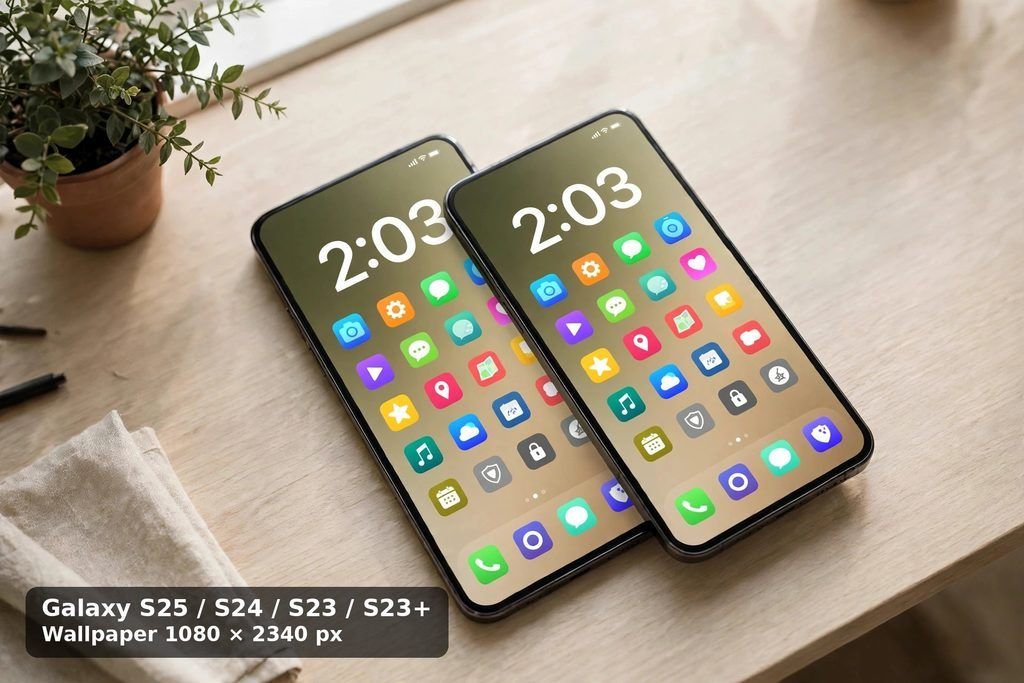
These four models share a resolution of 1080 × 2340 pixels. Use a wallpaper of 1080 × 2340 pixels. Note that the S23+ uses the 1080-pixel-wide panel, unlike the S24+ and S25+, so check the year of your Plus model before you pick a size.
Galaxy A56, A55 and A35
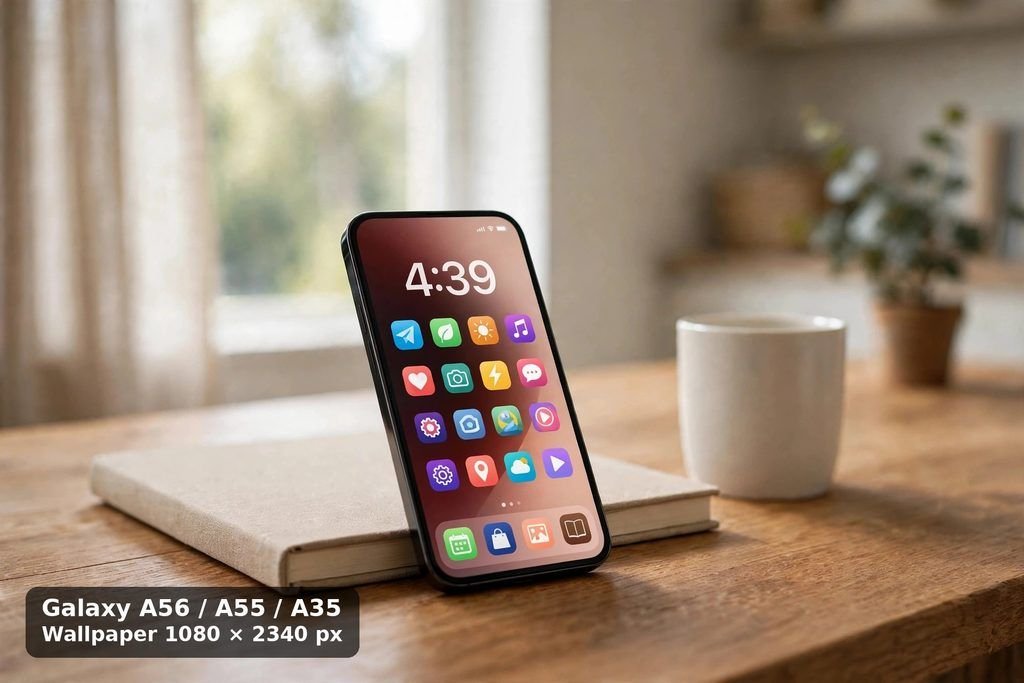
These three Galaxy A models share a resolution of 1080 × 2340 pixels. Use a wallpaper of 1080 × 2340 pixels. The A56 has a 6.7-inch screen and the A55 and A35 have 6.6-inch screens, yet all three take the same wallpaper size as the standard Galaxy S models above.
Google Pixel and Other Android Wallpaper Dimensions

Google Pixel phones use a slightly taller screen shape than most iPhones and Samsung phones: about 20:9 instead of about 19.5:9, like a magazine cover standing upright. A 19.5:9 image will still work, but the phone will crop the sides slightly.
Pixel 10 Pro XL, 9 Pro XL and 8 Pro
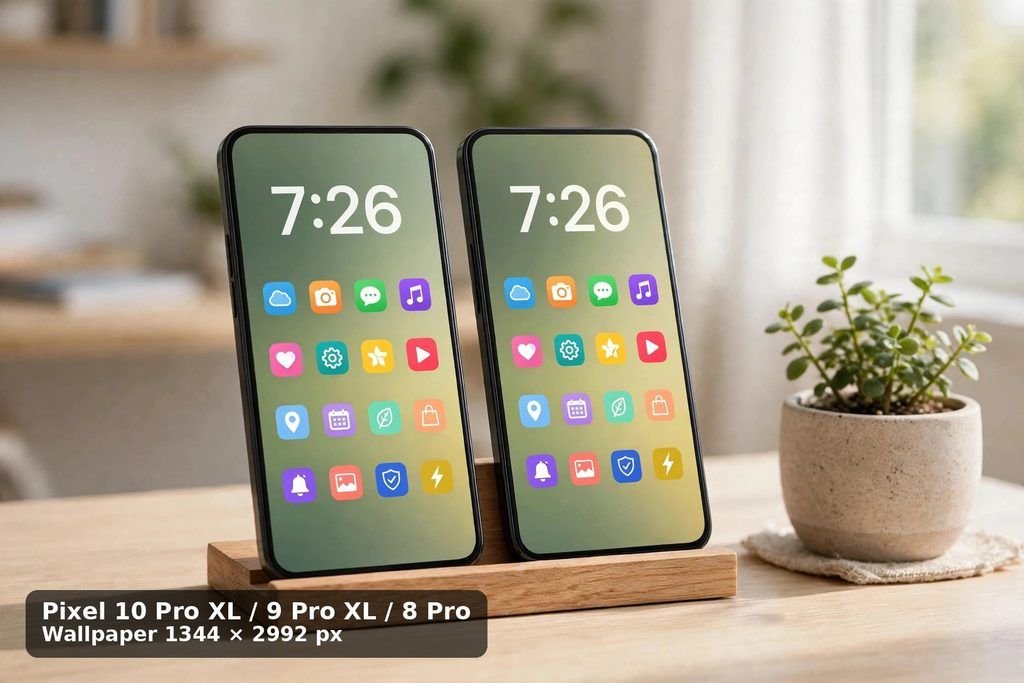
These three models share a resolution of 1344 × 2992 pixels. Use a wallpaper of 1344 × 2992 pixels. Google lists the aspect ratio as 20:9.
Pixel 10 Pro and 9 Pro
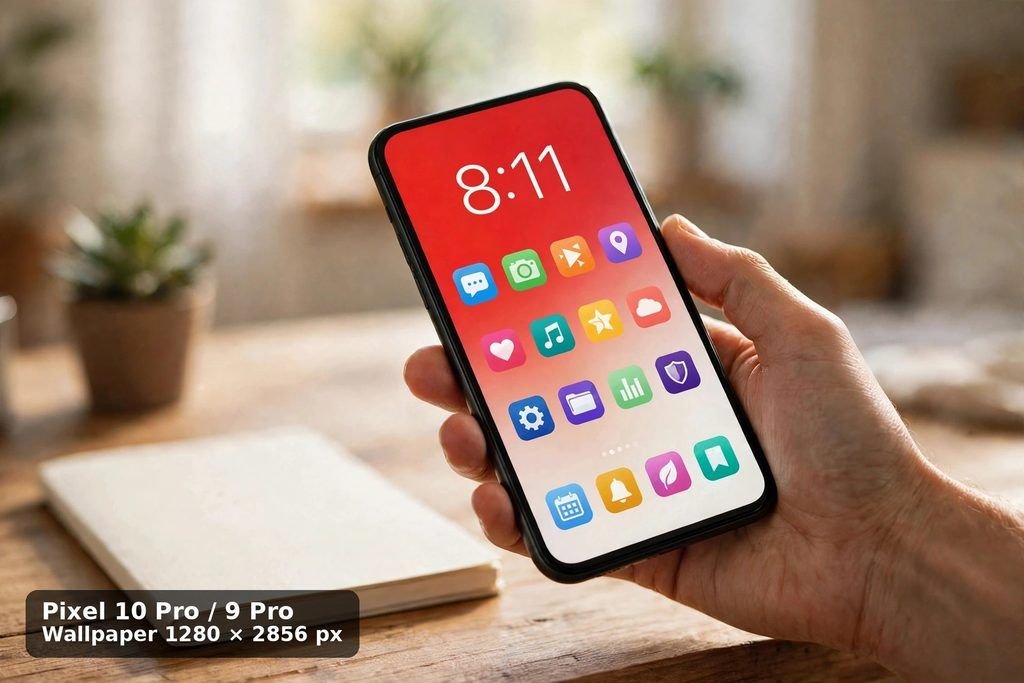
These two compact Pro models share a 6.3-inch screen at 1280 × 2856 pixels. Use a wallpaper of 1280 × 2856 pixels. Do not use the standard Pixel 10 size here: the Pro model packs more pixels into the same 6.3-inch screen.
Pixel 10, 9 and 9a

These three models share a resolution of 1080 × 2424 pixels. Use a wallpaper of 1080 × 2424 pixels. All three have 6.3-inch screens.
Pixel 8 and 8a

The Pixel 8 and Pixel 8a share a resolution of 1080 × 2400 pixels, an exact 20:9 shape. Use a wallpaper of 1080 × 2400 pixels — only 24 pixels shorter than the newer 1080 × 2424 group.
OnePlus 13 and OnePlus 12
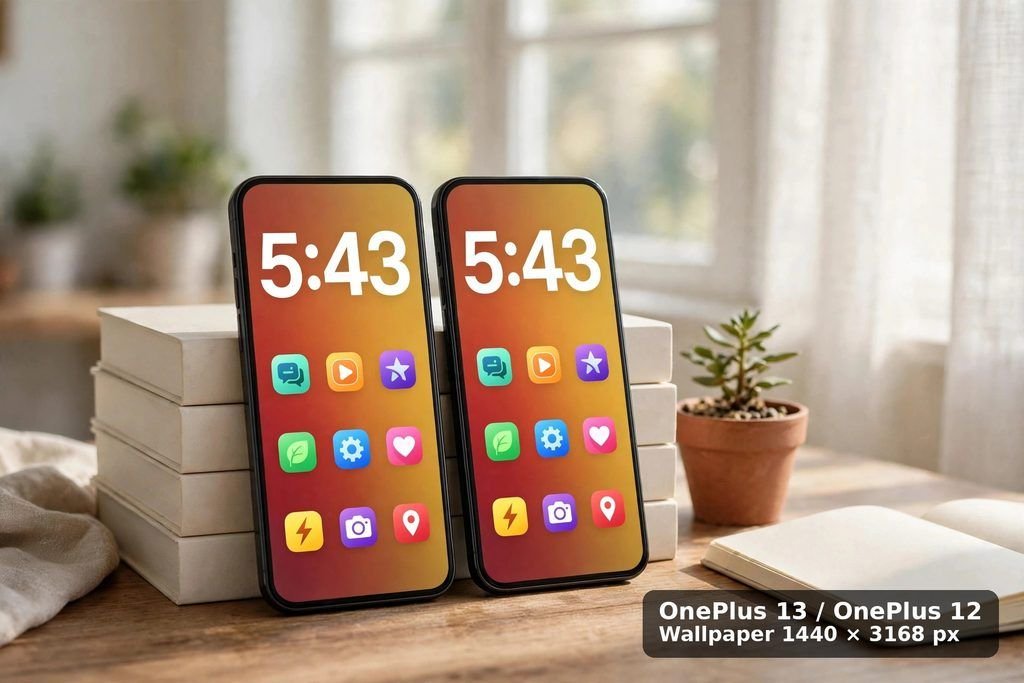
The OnePlus 13 and OnePlus 12 share a 6.82-inch screen at 1440 × 3168 pixels. Use a wallpaper of 1440 × 3168 pixels, the tallest size in this guide. Its exact shape is 19.8:9, listed as about 20:9.
Motorola Edge 50 Pro and Motorola Edge (2024)
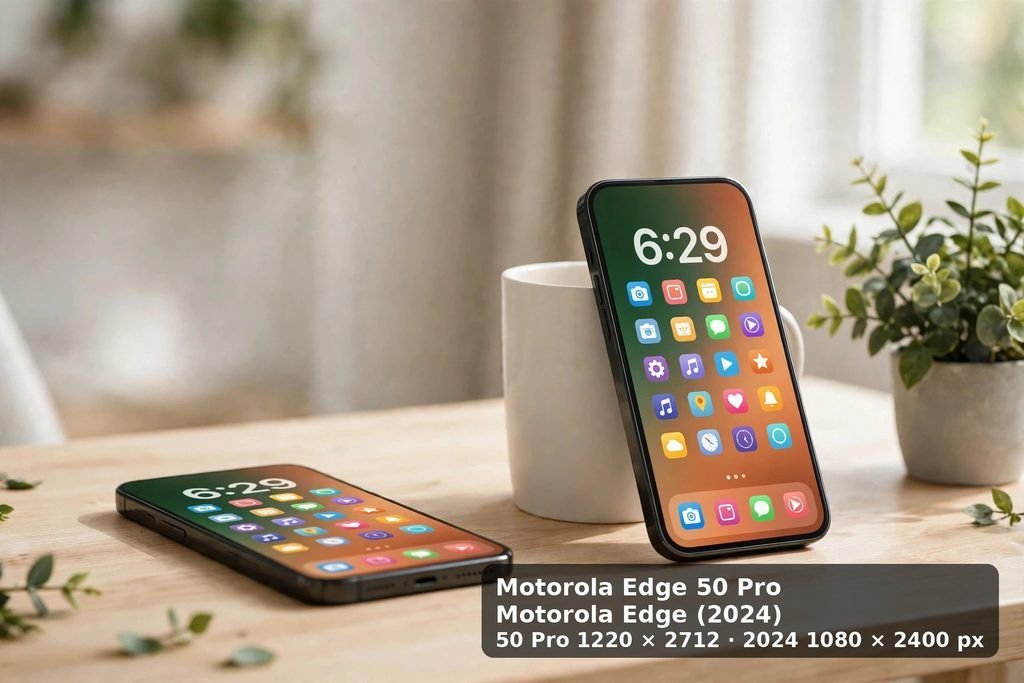
The Motorola Edge 50 Pro has a 6.7-inch screen at 1220 × 2712 pixels. Use a wallpaper of 1220 × 2712 pixels. The Motorola Edge (2024) has a 6.6-inch screen at 1080 × 2400 pixels. Use a wallpaper of 1080 × 2400 pixels.
Lock Screen, Home Screen and Parallax Sizing Explained

The lock screen and the home screen use the same wallpaper size on both iPhone and Android. What changes is how much you see: the large clock covers the upper middle of the lock screen, and app icons cover most of the home screen. Keep the main subject near the center.
Parallax is a motion effect that shifts the wallpaper slightly when you tilt the phone or swipe between screens. On the iPhone it is called Perspective Zoom. When it is on, iOS zooms into the image a little so it has spare pixels to move, cropping a thin strip from the edges. Turn Perspective Zoom off while setting the wallpaper to see the full frame, or keep important parts away from the edges.
On Android, the effect depends on your launcher, the app that draws your home screens. Some launchers scroll the wallpaper sideways as you swipe between screens, and need an image wider than the screen, since a different slice shows on each panel. As an example, a phone with a 1080-pixel-wide screen would use a 2160-pixel-wide image for full scrolling, since 2 × 1080 = 2160, with the height unchanged at 2340 pixels. Not every launcher scrolls, and some let you turn scrolling off — check your launcher settings before remaking an image that looks zoomed in.
Foldable phones are a special case: each has a smaller cover screen and a larger inner screen, each with its own resolution, so set a separate wallpaper for each. This guide lists only standard single-screen phones.
How to Make a Wallpaper Fit Without Stretching or Cropping

Stretching happens when an image with the wrong shape is forced to fill the screen. Cropping happens when the phone cuts off the parts that do not fit. Match the shape first and the pixel count second, and both problems go away.
Find your phone’s resolution in the table above, then crop your image to the same shape before setting it. Most photo editors accept a custom crop size, so enter your phone’s pixel size directly — 1320 × 2868 for an iPhone 17 Pro Max, 1440 × 3120 for a Galaxy S25 Ultra — and the editor will hold that shape while you move the crop box.
Export at your phone’s exact resolution or larger. A larger image at the same shape scales down cleanly, while a smaller image must be stretched up and looks soft. For one wallpaper shared across many phones, export at 1440 × 3200 pixels: that canvas is exactly 20:9, since 1440 × 20 ÷ 9 = 3200, and it scales down for nearly every phone here. A 19.5:9 phone will crop a small strip from the top and bottom, so keep the subject centered.
Think of the shape problem with a postcard. A standard US postcard is 4 × 6 inches (10.16 × 15.24 cm). Held upright, it is only 1.5 times as tall as it is wide, while a phone screen is more than twice as tall as it is wide. A postcard-shaped photo on a phone loses a large part of its top and bottom. Crop the photo into the tall phone shape yourself, choosing what stays in the frame, instead of letting the phone crop it for you.
Keep the main subject in the center third of the image. The edges disappear first under the clock, the camera cutout, rounded corners, or a parallax zoom. After setting the wallpaper, check both the lock screen and the home screen. If the image looks zoomed in, turn off Perspective Zoom on iPhone or wallpaper scrolling on Android and set the same image again — the motion setting is usually what zooms it, not the image itself.
FAQs
What size should a phone wallpaper be?
Your phone wallpaper should match your screen resolution in pixels, held upright. For most current phones that is between 1080 × 2340 and 1440 × 3168 pixels. A larger image at the same shape also works. Check the table in this guide for your exact model.
What is the wallpaper size for the iPhone 17 Pro Max?
The iPhone 17 Pro Max wallpaper size is 1320 × 2868 pixels, matching its 6.9-inch screen. The same size fits the iPhone 18 Pro Max and the iPhone 16 Pro Max.
What is the wallpaper size for the Samsung Galaxy S25 Ultra?
The Samsung Galaxy S25 Ultra wallpaper size is 1440 × 3120 pixels, matching its 6.9-inch screen. The same size fits the Galaxy S25+, S24 Ultra and S24+.
Why does my wallpaper look blurry or zoomed in?
A blurry wallpaper is usually too small, so the phone stretches it up. A zoomed-in wallpaper is usually caused by a motion setting: Perspective Zoom on iPhone or wallpaper scrolling on Android zooms in to leave room for movement. Use an image at your exact resolution, keep the subject centered, and turn the motion setting off to see the full frame.
Can I use the same wallpaper on iPhone and Android?
Yes, if the image is tall enough and the subject sits in the center. Make the image at the largest size you need, such as 1440 × 3200 pixels for a 20:9 shape, and let smaller phones scale it down. Expect a small crop on phones with a different shape, since iPhones are about 19.5:9 while many Android phones are about 20:9.
Conclusion
Phone wallpaper dimensions come down to one rule: match your screen resolution in pixels, at the same tall shape. iPhones mostly need 1170 to 1320 pixels wide and 2532 to 2868 pixels tall, Samsung Galaxy flagships need 1440 × 3120 or 1080 × 2340 pixels, and Google Pixel phones need 1080 to 1344 pixels wide and 2400 to 2992 pixels tall. The iPhone SE is the only common exception, with its wider 750 × 1334 pixel screen.
Use the table in this guide to find your exact model, export your image at that pixel size or larger, and keep the subject in the center so the clock, icons and motion effects never hide the best part of the picture.
Related Guides
- Samsung Galaxy S26 Ultra Dimensions: Guide (With Picture)
- iPhone Duo Dimensions: Size, Thickness, Weight & Screen
- Google Pixel 10 Pro Dimensions: Guide (With Pictures)

Hi, I’m Michael Carter, I write simple, everyday size guides so you can picture any measurement in seconds.