
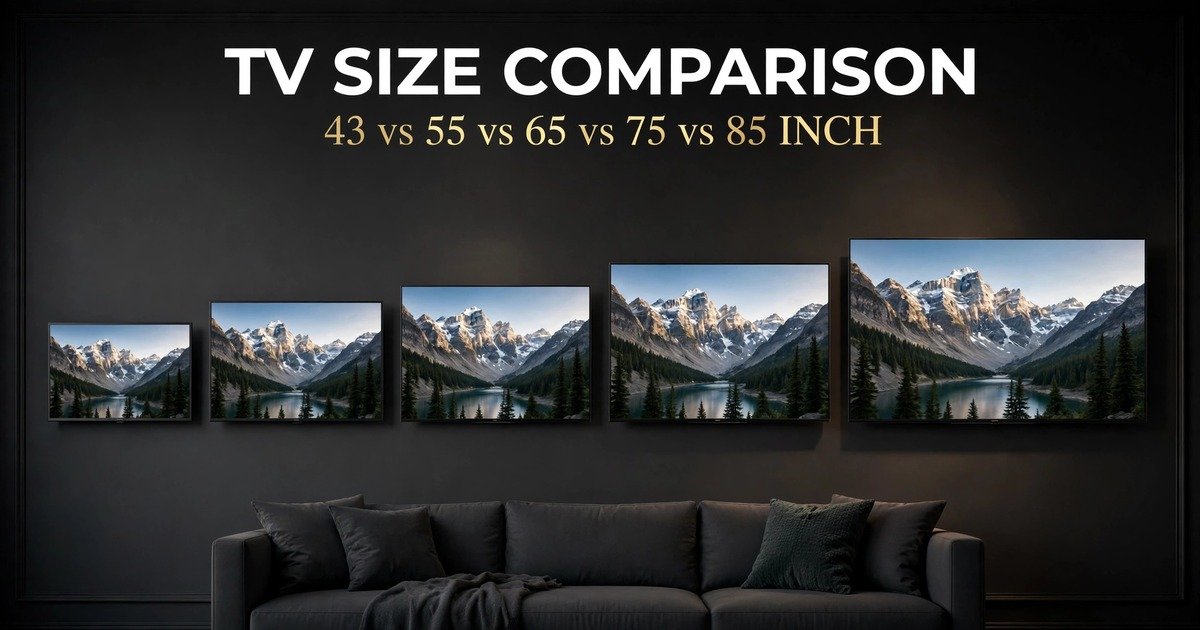
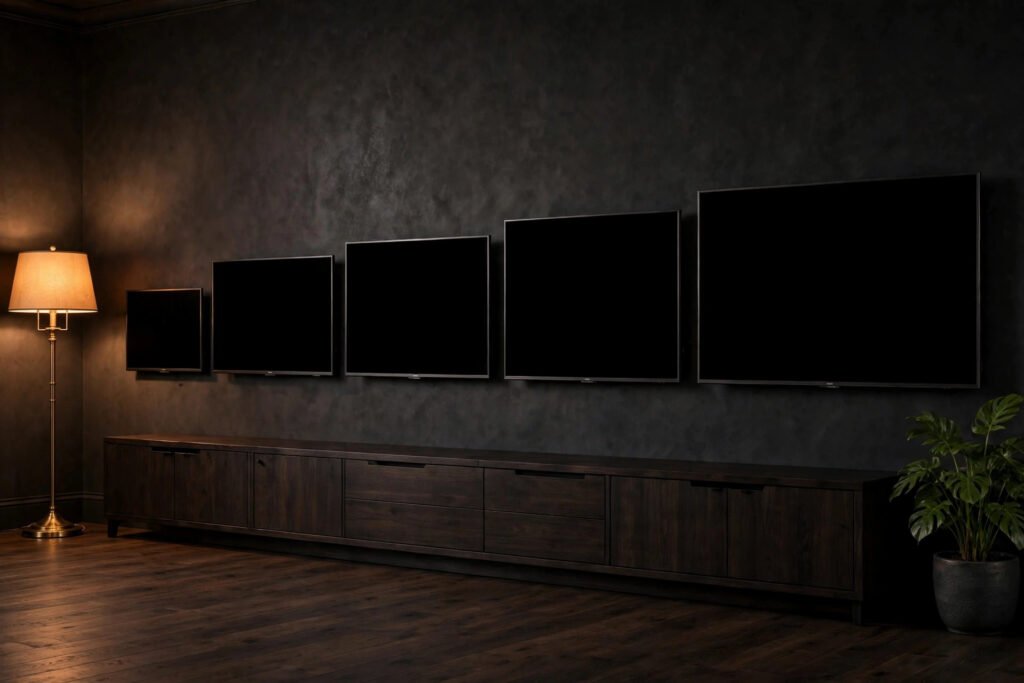
A 43-inch TV and an 85-inch TV may both hang on the same wall, but the 85-inch screen is almost twice as wide and has almost 4 times the screen area. This tv size comparison shows the exact width, height, and viewing distance for all five sizes, so you can pick the one that fits your room.
In this tv size comparison, a 43-inch TV measures 37.5 × 21.1 inches and an 85-inch TV measures 74.1 × 41.7 inches. The 85-inch screen has almost 4 times the screen area of the 43-inch model, so the right size depends on your room and viewing distance.
TV sizes are measured diagonally, from one corner of the screen to the opposite corner. That single number hides a big truth: going from 55 inches to 65 inches adds only 10 inches to the diagonal, but about 40 percent more screen area. This guide works out every number from the 16:9 screen shape, so you can compare all five sizes with real measurements, not guesses.
| TV Size (Diagonal) | Screen Width | Screen Height | Diagonal in cm | Screen Area | Viewing Distance* |
|---|---|---|---|---|---|
| 43 inch | 37.5 in (95.2 cm) | 21.1 in (53.5 cm) | 109.2 cm | 790 sq in (5.5 sq ft) | 5.4–9.0 ft (1.6–2.7 m) |
| 55 inch | 47.9 in (121.8 cm) | 27.0 in (68.5 cm) | 139.7 cm | 1,293 sq in (9.0 sq ft) | 6.9–11.5 ft (2.1–3.5 m) |
| 65 inch | 56.7 in (143.9 cm) | 31.9 in (80.9 cm) | 165.1 cm | 1,805 sq in (12.5 sq ft) | 8.1–13.5 ft (2.5–4.1 m) |
| 75 inch | 65.4 in (166.0 cm) | 36.8 in (93.4 cm) | 190.5 cm | 2,404 sq in (16.7 sq ft) | 9.4–15.6 ft (2.9–4.8 m) |
| 85 inch | 74.1 in (188.2 cm) | 41.7 in (105.8 cm) | 215.9 cm | 3,087 sq in (21.4 sq ft) | 10.6–17.7 ft (3.2–5.4 m) |
*Viewing distance is general guidance (1.5 to 2.5 times the diagonal), not a strict rule. Screen width and height are for the 16:9 screen only; the frame around the screen adds a small amount to the full TV size.
How TV Size Is Measured
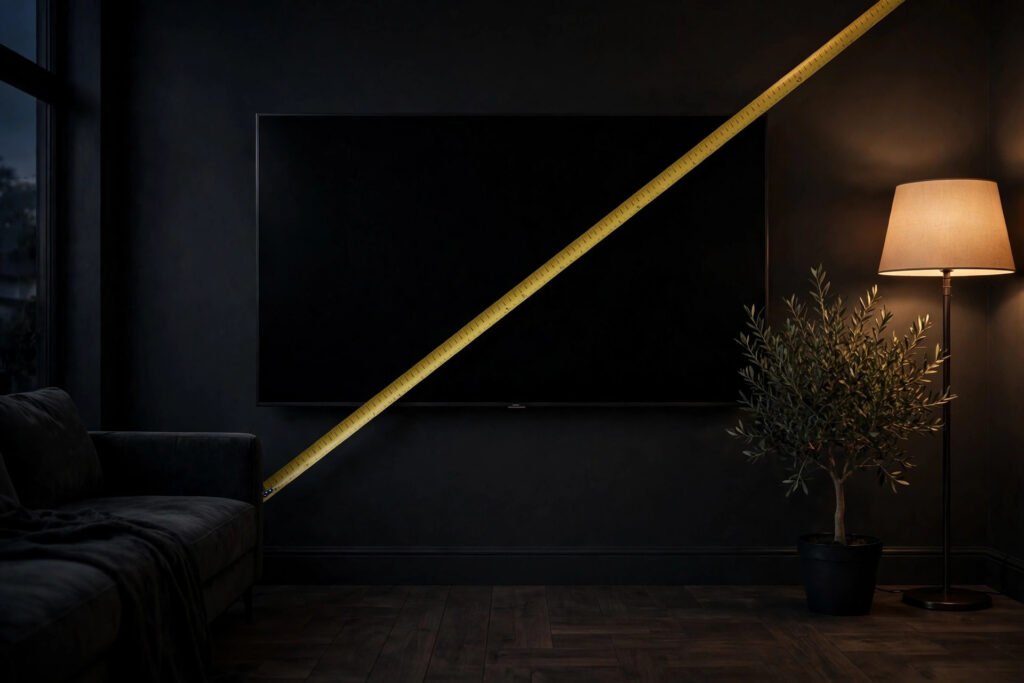
A TV size is the diagonal length of the screen, measured from one corner to the opposite corner in inches. A 55-inch TV has a screen that measures 55 inches corner to corner. The frame around the screen is not part of that number, so the full TV is slightly wider and taller than the screen measurements above.
Almost every modern TV uses a 16:9 screen shape, which means the screen is 16 units wide for every 9 units tall. With that fixed shape, the width and height follow directly from the diagonal: width is about 0.8716 times the diagonal, and height is about 0.4903 times the diagonal. For example, a 55-inch TV is 55 × 0.8716 = 47.9 inches wide and 55 × 0.4903 = 27.0 inches tall. Every number in this guide was worked out the same way, and centimeters come from multiplying inches by 2.54. Because screen area grows with the square of the diagonal, an 85-inch screen, with about twice the diagonal of a 43-inch screen, has almost 4 times the area.
Before you buy, also check the maker’s listed product dimensions. Those include the frame and the stand, and they decide whether the TV fits your wall or TV stand. The screen numbers in this guide tell you how big the picture will be; the product dimensions tell you how much space the TV itself needs.
TV Size Comparison by Size
43-Inch TV: 37.5 × 21.1 Inches
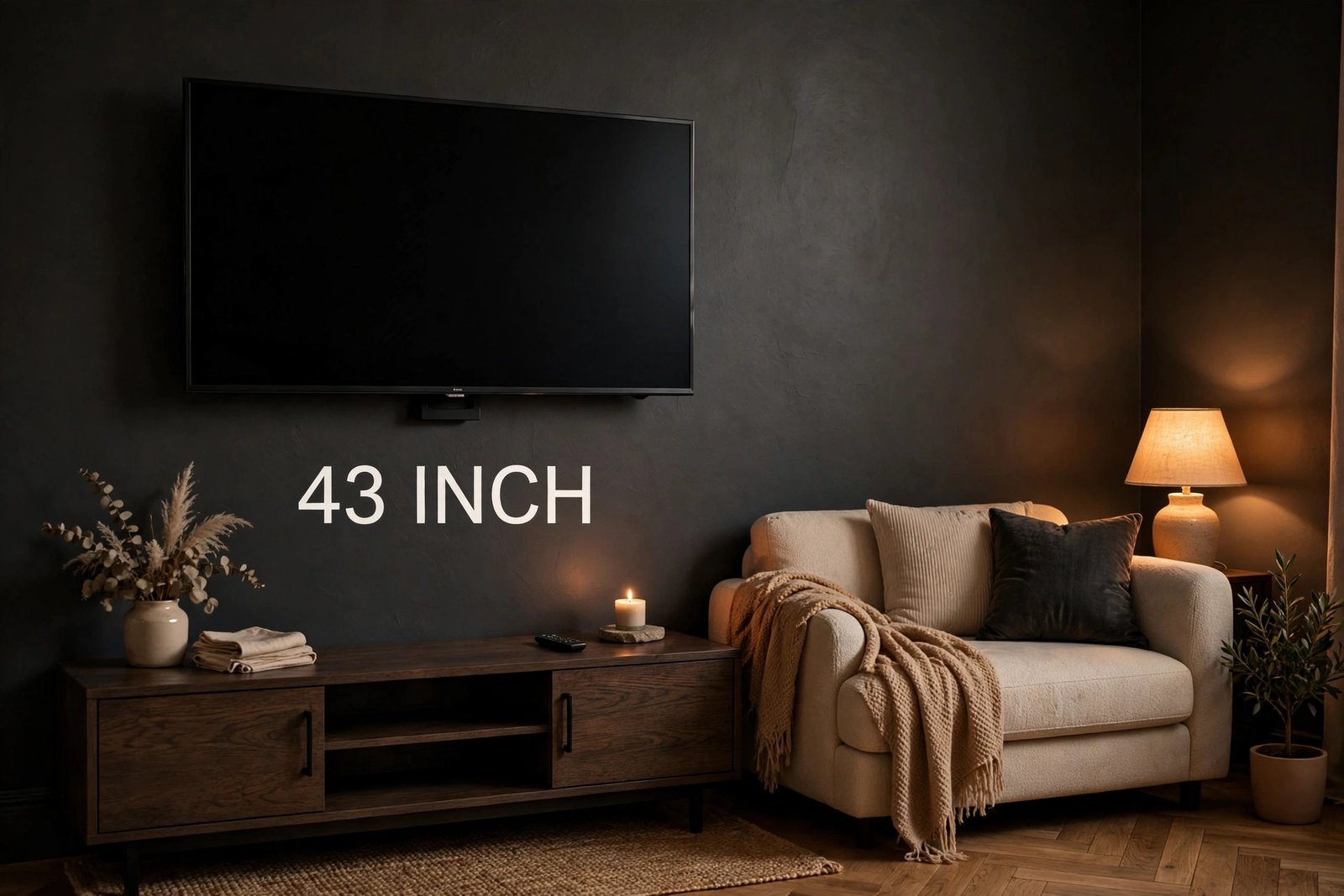
A 43-inch TV has a screen 37.5 inches wide and 21.1 inches tall (95.2 × 53.5 cm), with a screen area of 790 square inches (5.5 square feet). It is the smallest size in this comparison, and it suits a bedroom, a kitchen, a home office, or a small living room.
The suggested viewing distance is 5.4 to 9.0 feet (1.6 to 2.7 m). If your bed or sofa sits about 6 to 8 feet from the wall, a 43-inch TV fills your view nicely without forcing you to turn your head. At 37.5 inches wide, or about 3.1 feet, it fits on most small TV stands and bedroom dressers.
Choose a 43-inch TV for a small room, close seating, or a second screen. In a large living room with seating 12 feet away, it will look small.
55-Inch TV: 47.9 × 27.0 Inches
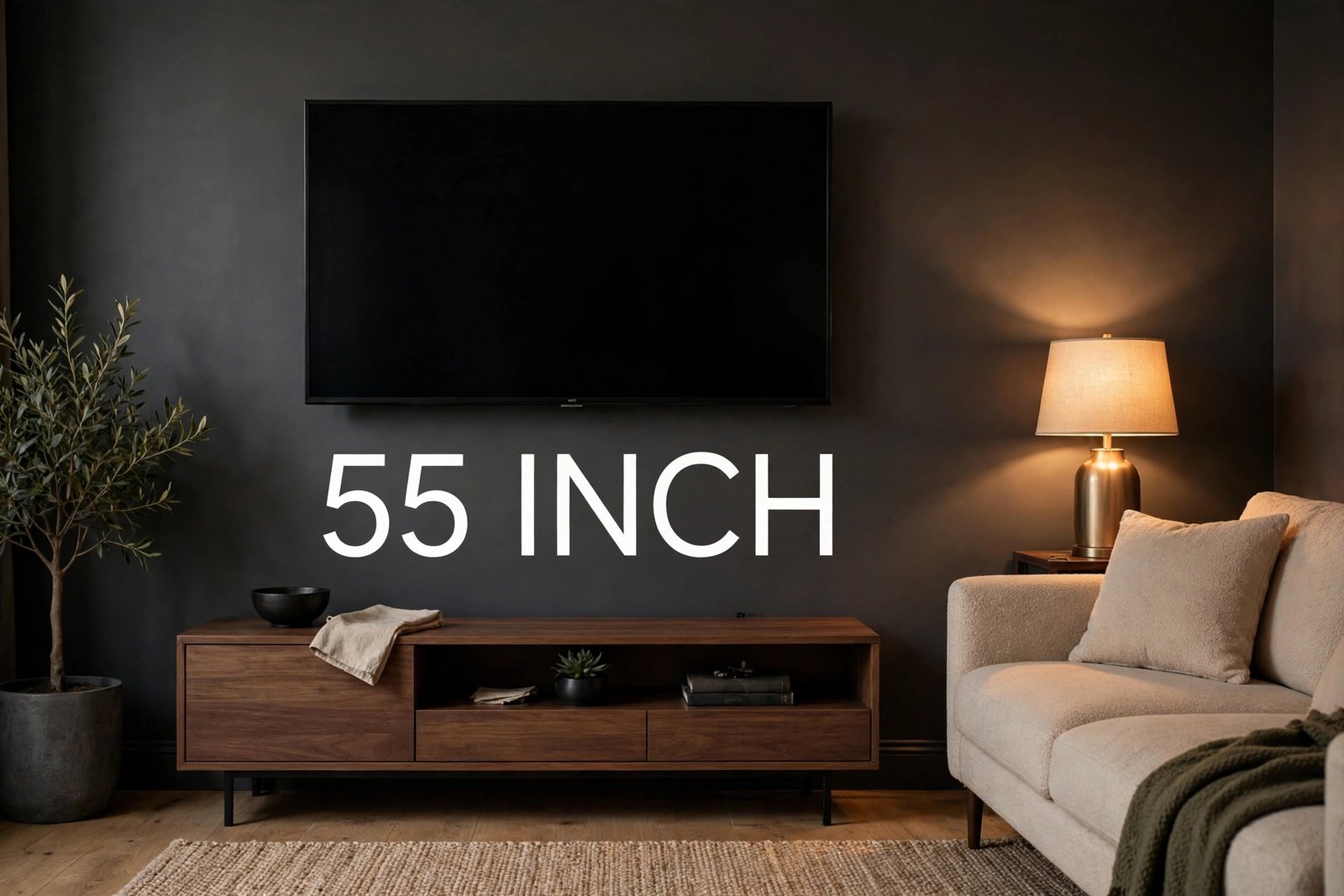
A 55-inch TV has a screen 47.9 inches wide and 27.0 inches tall (121.8 × 68.5 cm), with a screen area of 1,293 square inches (9.0 square feet). That is about 1.6 times the screen area of a 43-inch TV, from only 12 more inches of diagonal.
The suggested viewing distance is 6.9 to 11.5 feet (2.1 to 3.5 m). This is the classic living-room size for a medium room. If your sofa is about 8 to 10 feet from the TV wall, a 55-inch screen gives a full, comfortable picture for movies, sports, and everyday shows.
At 47.9 inches wide, or about 4.0 feet, a 55-inch TV needs a stand or wall space at least 4 feet wide. Measure your stand before you order: a stand that held a 43-inch TV may be too narrow. A 55-inch TV is a safe all-round choice when you are unsure, because it fits most rooms without overwhelming the wall.
65-Inch TV: 56.7 × 31.9 Inches
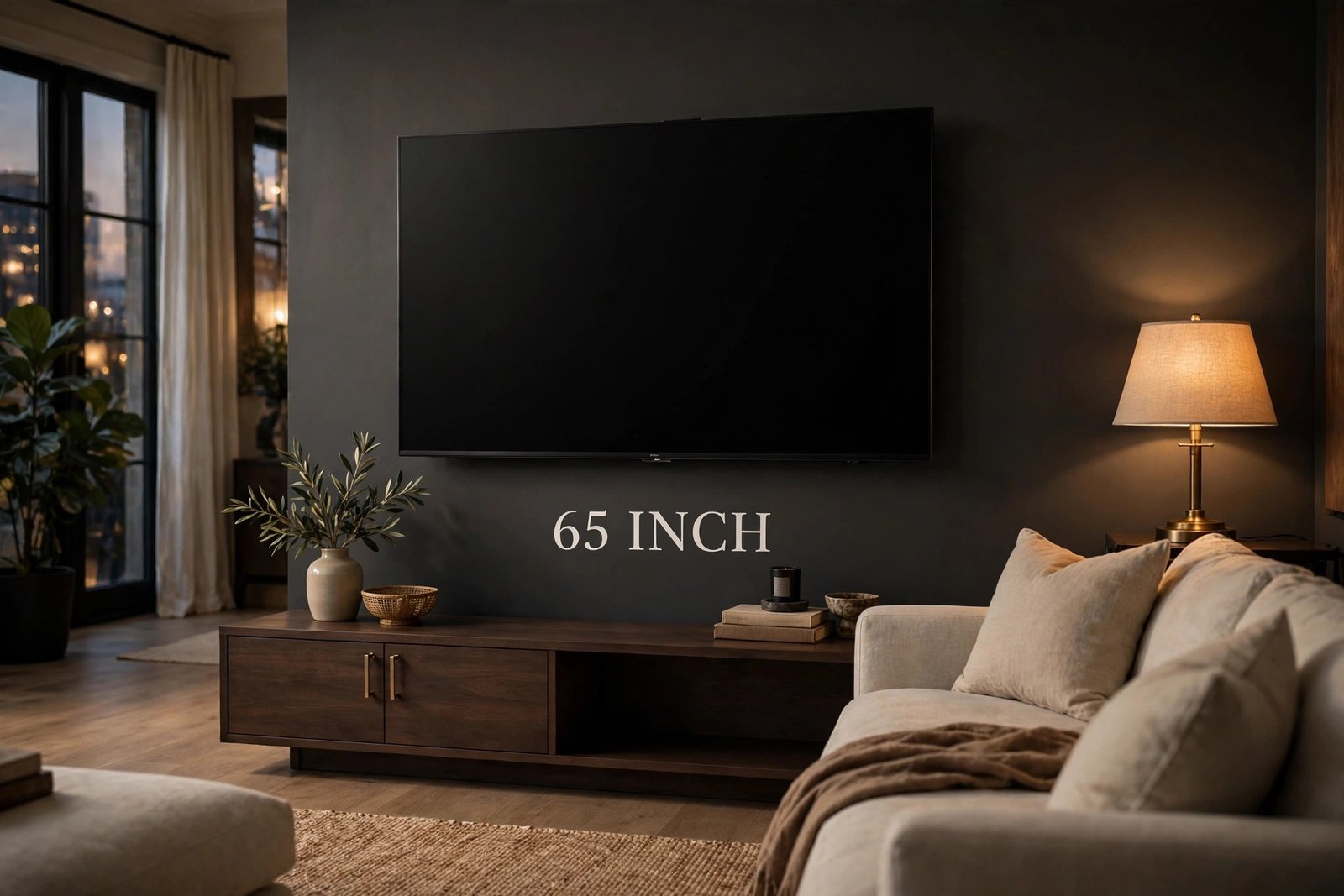
A 65-inch TV has a screen 56.7 inches wide and 31.9 inches tall (143.9 × 80.9 cm), with a screen area of 1,805 square inches (12.5 square feet) — about 2.3 times the area of a 43-inch TV and 40 percent more than a 55-inch TV.
The suggested viewing distance is 8.1 to 13.5 feet (2.5 to 4.1 m). A 65-inch TV is the sweet spot for a main living room with seating 9 to 12 feet away. Movies feel bigger, sports feel closer, and on-screen text stays easy to read.
At 56.7 inches wide, or about 4.7 feet, it needs a wider stand or a good stretch of wall. Wall mounting works well at this size, because it frees up the floor and keeps the screen at eye level. If your room allows seating at least 8 feet back, a 65-inch TV is often the best balance of size, price, and comfort.
75-Inch TV: 65.4 × 36.8 Inches
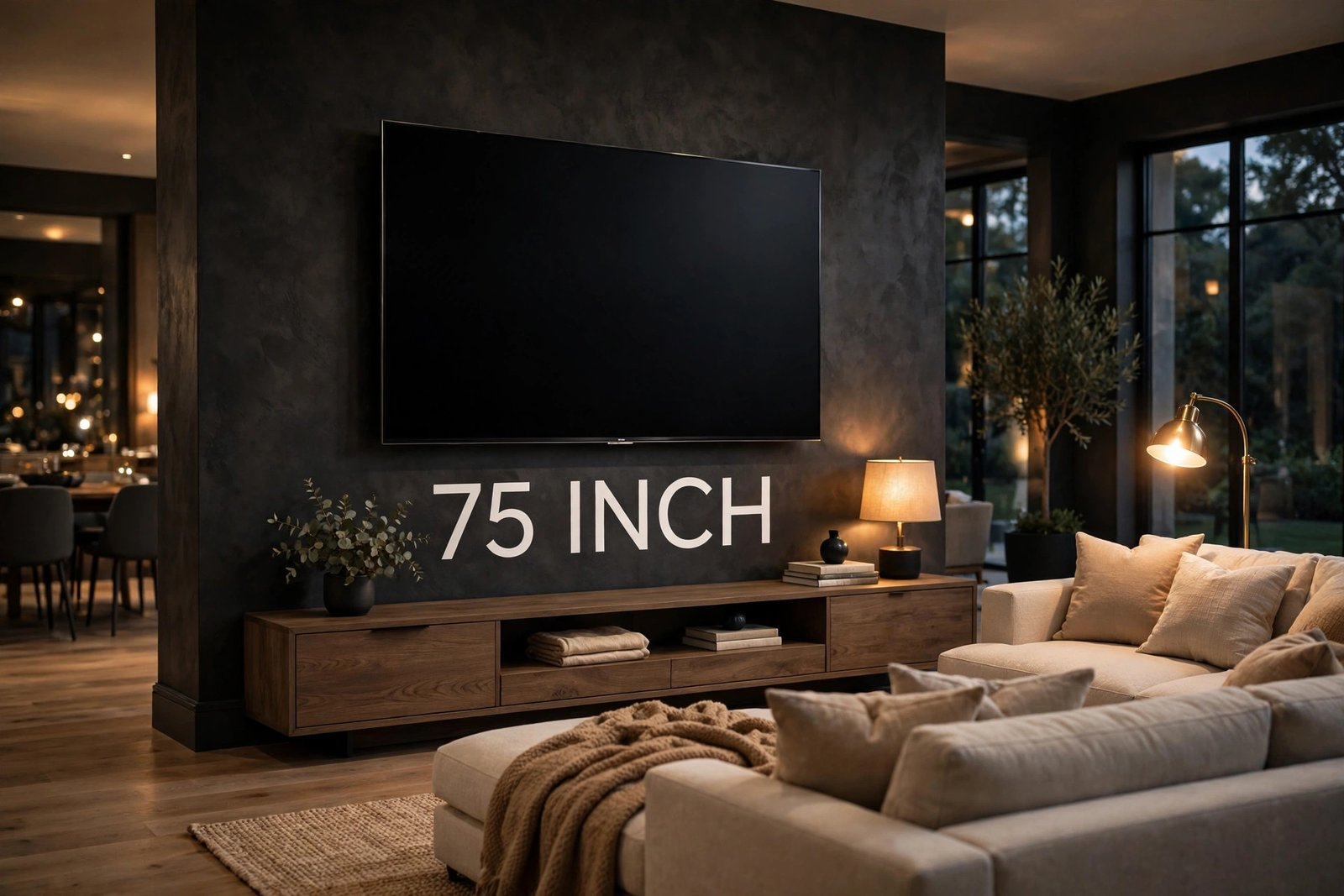
A 75-inch TV has a screen 65.4 inches wide and 36.8 inches tall (166.0 × 93.4 cm), with a screen area of 2,404 square inches (16.7 square feet) — about 3 times the area of a 43-inch TV and nearly twice the area of a 55-inch TV.
The suggested viewing distance is 9.4 to 15.6 feet (2.9 to 4.8 m). A 75-inch TV suits a large living room or an open-plan space where the sofa sits 10 feet or more from the wall. At that distance, the screen feels like a home theater.
At 65.4 inches wide, or about 5.4 feet, it needs a wide wall or a large media unit. Check the full product width and that your wall can hold the mount. Also think about delivery: a 75-inch TV comes in a very large box, so measure your doorways and hallways before it arrives.
85-Inch TV: 74.1 × 41.7 Inches
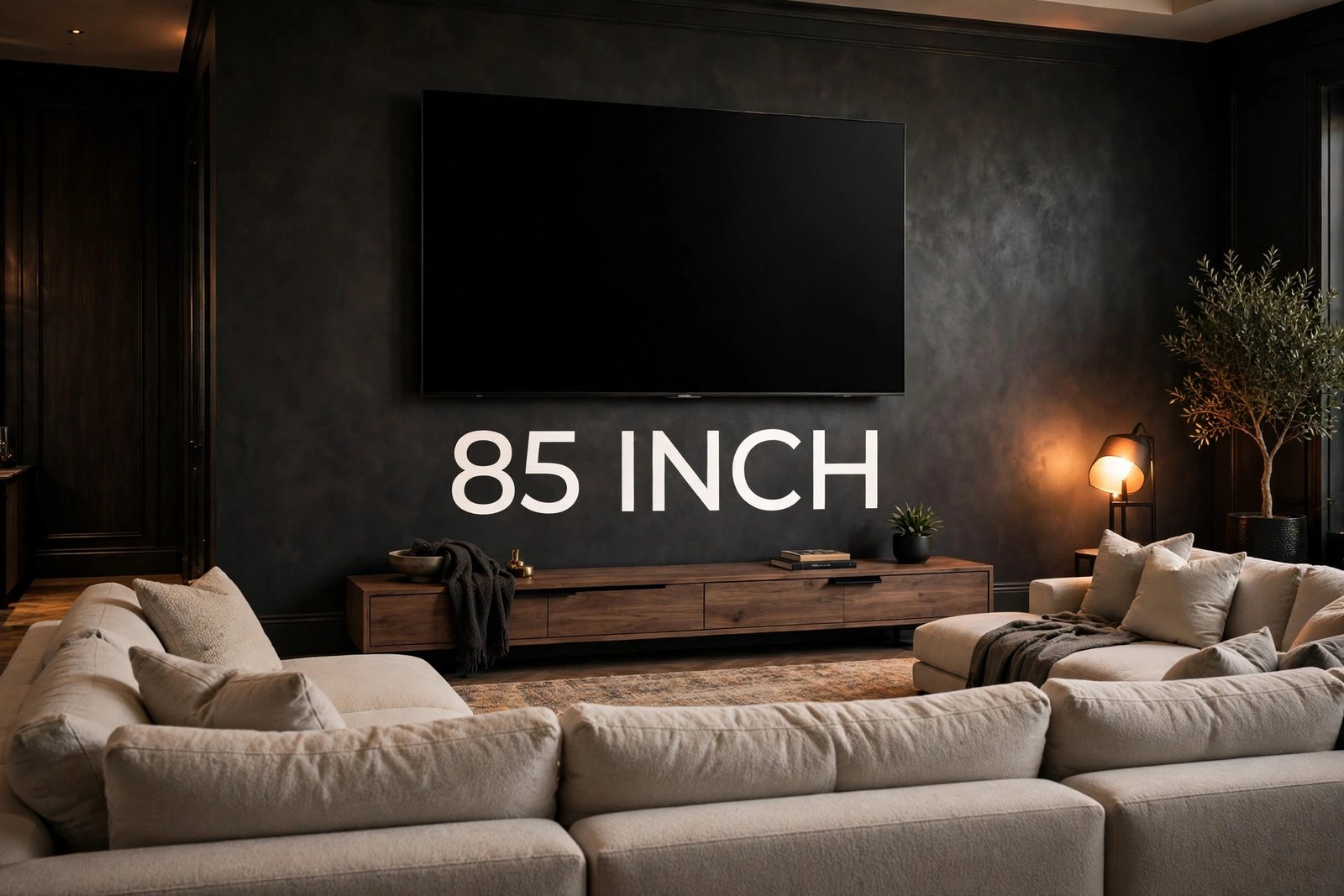
An 85-inch TV has a screen 74.1 inches wide and 41.7 inches tall (188.2 × 105.8 cm), with a screen area of 3,087 square inches (21.4 square feet) — almost 4 times the area of a 43-inch TV and about 2.4 times the area of a 55-inch TV.
The suggested viewing distance is 10.6 to 17.7 feet (3.2 to 5.4 m). An 85-inch TV is built for a big room — a large living room, a basement media room, or an open-plan space with seating well over 10 feet back. Any closer, and you may find yourself moving your head to follow the action.
At 74.1 inches wide, or about 6.2 feet, the screen alone is wider than many sofas. You need a wide, strong wall or a very large media unit, and the shipping box is huge, so plan the delivery path through doors and stairs. For the right room, nothing else in this guide comes close to the cinema feel of an 85-inch screen.
How to Pick the Right TV Size
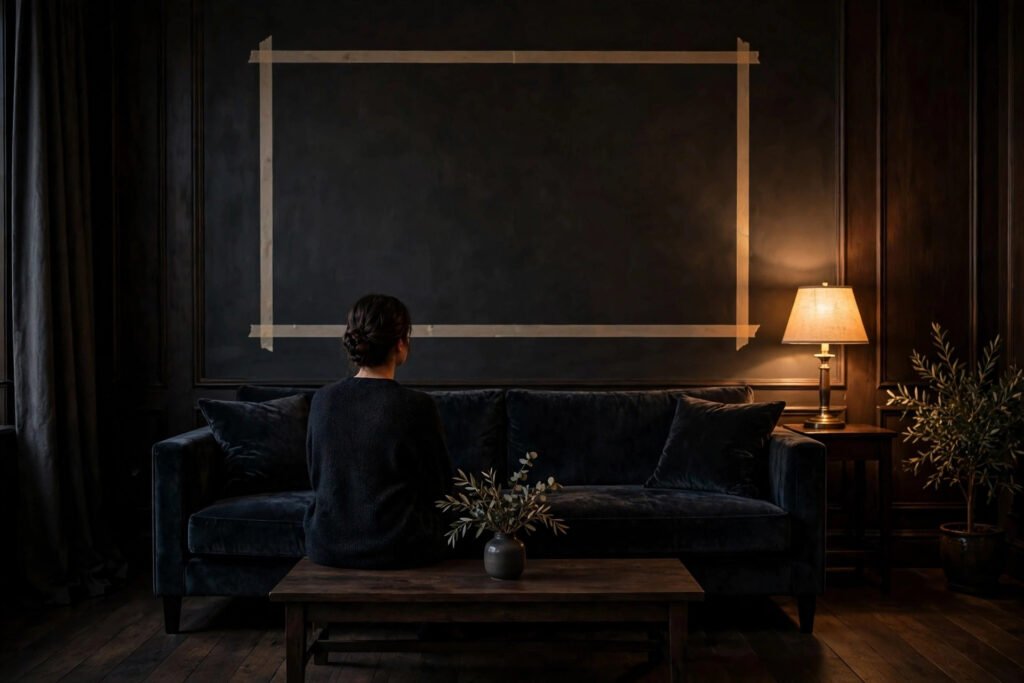
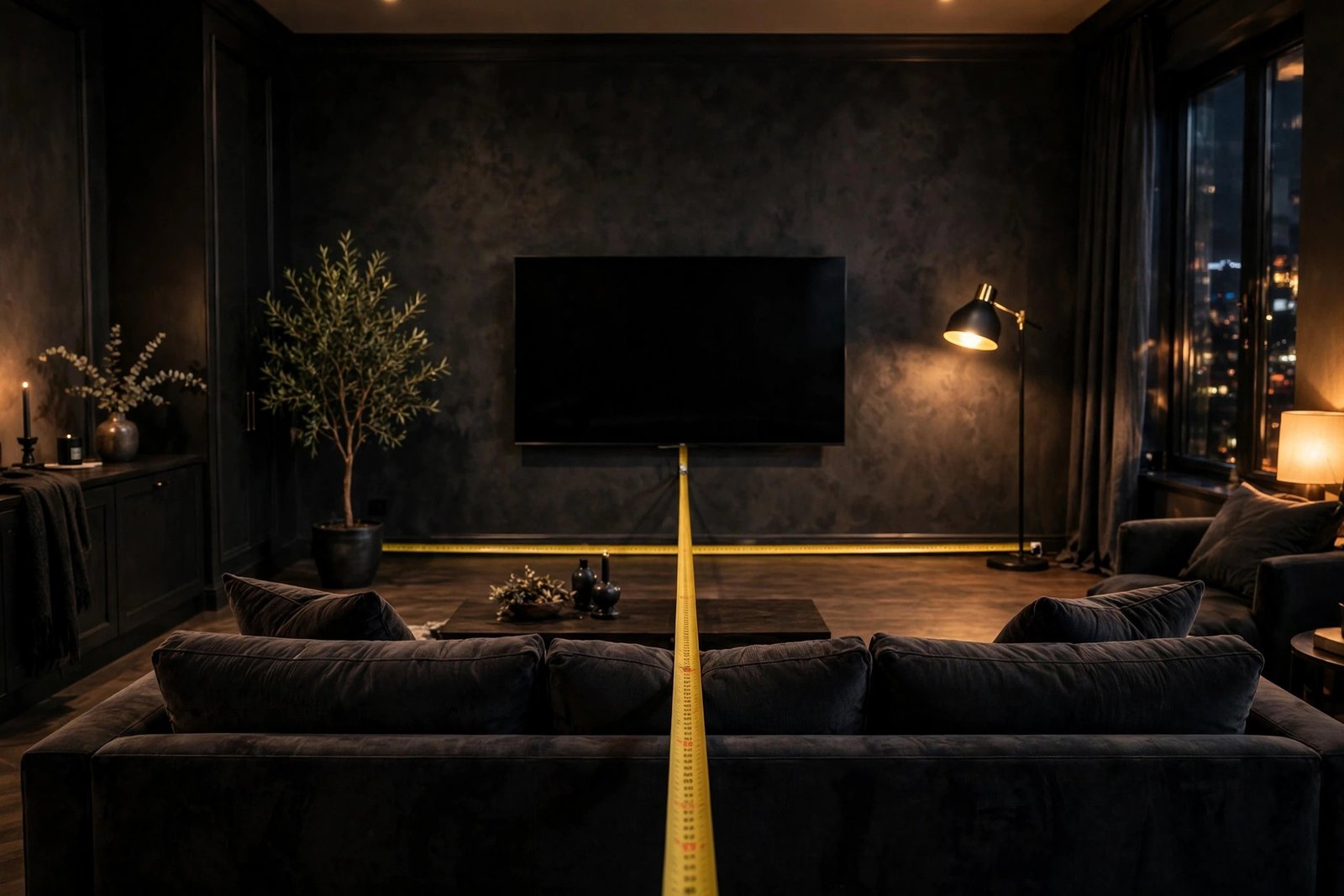
Start with your viewing distance, not with the TV. Measure from the wall or stand where the TV will sit to the spot where your eyes will be when you sit down. Then match that distance to the ranges in the table above.
Next, check your wall or stand. A 65-inch screen is 56.7 inches wide, so a 48-inch stand is too narrow. Wall mounting removes the stand problem, but you still need enough clear wall width, plus space for a soundbar or shelves below.
Think about what you watch most. Movies and sports reward a bigger screen, because a larger picture pulls you into the action. News and casual viewing work fine on a smaller screen. If you play video games, a bigger screen helps you see small details, but sitting too close to a very large screen can make fast games harder to follow.
Finally, think about resolution. On a 4K TV, the picture stays sharp even when you sit closer than the old guidance suggests, because the pixels are much smaller. That means you can often go one size larger than the table suggests, as long as the TV fits your wall and the screen does not feel too big from your seat. The viewing distances in this guide are a starting point, not a strict rule.
How to Measure Your Space
You need only a tape measure. First, measure the width of the wall or TV stand in inches. Compare it with the screen widths in this guide, add a small amount for the frame, and leave a few inches of space on each side.
Second, measure your viewing distance: sit in your usual seat and measure from your eyes to the wall in feet, then check it against the viewing distance column in the table.
Third, mark the outline on the wall. Use painter’s tape to mark a rectangle the same width and height as the TV you are considering. For a 65-inch TV, that is 56.7 inches wide and 31.9 inches tall. Step back to your seat and look at the taped outline. This simple test shows you better than any chart whether the size will feel right in your room.
Fourth, check the height. The center of the screen should sit close to your eye level when you are seated on your sofa. If the TV will sit on a stand, add the stand height to half the screen height to see where the center lands. If you wall mount, place the mount so the center of the screen ends up at seated eye level.
Fifth, plan the delivery path. Measure your doorways, hallways, and stair turns, and compare them with the boxed size from the maker. Large TVs, especially 75-inch and 85-inch models, ship in boxes that do not fit through every door.
TV Viewing Distance Explained
Viewing distance guidance comes from a simple idea: the screen should fill a good part of your view without forcing your eyes to work too hard. The common guidance is to sit 1.5 to 2.5 times the diagonal away from the screen. For a 65-inch TV, that is 1.5 × 65 = 97.5 inches (8.1 feet) at the near end and 2.5 × 65 = 162.5 inches (13.5 feet) at the far end.
Sitting nearer than the guidance makes the picture feel bigger and more immersive, which many people enjoy for movies. Sitting farther makes the picture feel smaller but more restful for long viewing. Neither is wrong. Your eyes, your room, and your taste decide.
Higher resolution changes the picture. A 4K screen packs four times as many pixels as a 1080p screen of the same size, so pixels are far harder to see up close, and many viewers sit closer than the old guidance suggests. If you buy a 4K TV, treat the near end of each range as comfortable, and let the taped outline test be your final judge.
FAQs About TV Sizes
Is a 65-inch TV too big for a living room?
For most living rooms, no. A 65-inch TV measures 56.7 × 31.9 inches and suits seating 8.1 to 13.5 feet away. If your sofa is less than 8 feet from the wall, a 55-inch TV may feel more comfortable. Try the painter’s tape outline test before you decide.
How far should you sit from a 75-inch TV?
The general guidance is 9.4 to 15.6 feet (2.9 to 4.8 m), which is 1.5 to 2.5 times the 75-inch diagonal. If your seating is under 9 feet away, a 65-inch TV is usually the better fit.
Is an 85-inch TV too big?
It depends on your room. An 85-inch TV measures 74.1 × 41.7 inches and needs seating about 10.6 to 17.7 feet away to feel comfortable. In a big room with seating over 10 feet back, it feels like a cinema. In a small room, a 65-inch or 75-inch TV will suit you better.
Do TV sizes include the bezel or frame?
No. The advertised size is the diagonal of the screen only, measured corner to corner, and it does not include the frame around the screen. The full TV is slightly wider and taller than the screen numbers in this guide. Check the maker’s product dimensions before you buy.
What size TV fits a 4-foot-wide stand?
A 55-inch TV fits a 4-foot-wide stand, because its screen is 47.9 inches wide, or about 4.0 feet. A 43-inch TV, at 37.5 inches wide, fits easily. A 65-inch TV, at 56.7 inches wide, needs a stand wider than 4 feet. Leave a little space on each side.
Conclusion
This tv size comparison shows that the diagonal number only tells part of the story. A 43-inch TV measures 37.5 × 21.1 inches, a 55-inch TV measures 47.9 × 27.0 inches, a 65-inch TV measures 56.7 × 31.9 inches, a 75-inch TV measures 65.4 × 36.8 inches, and an 85-inch TV measures 74.1 × 41.7 inches. Because screen area grows with the square of the diagonal, the 85-inch screen has almost 4 times the area of the 43-inch screen.
The right size comes down to two measurements: your viewing distance and your wall or stand width. Measure both, mark the outline with painter’s tape, and pick the largest size that fits both checks comfortably.
Related Guides
- How Tall Is a 65-Inch TV? Dimensions Explained
- Is Length or Width First? Complete Guide (With Examples)
- How to Convert Inches to Centimeters
- How Long Is 10 Feet? 15 Common Objects (2026)
- Standard 2-Car Garage Dimensions in Feet: 14 Common Sizes Explained

Hi, I’m Michael Carter, I write simple, everyday size guides so you can picture any measurement in seconds.